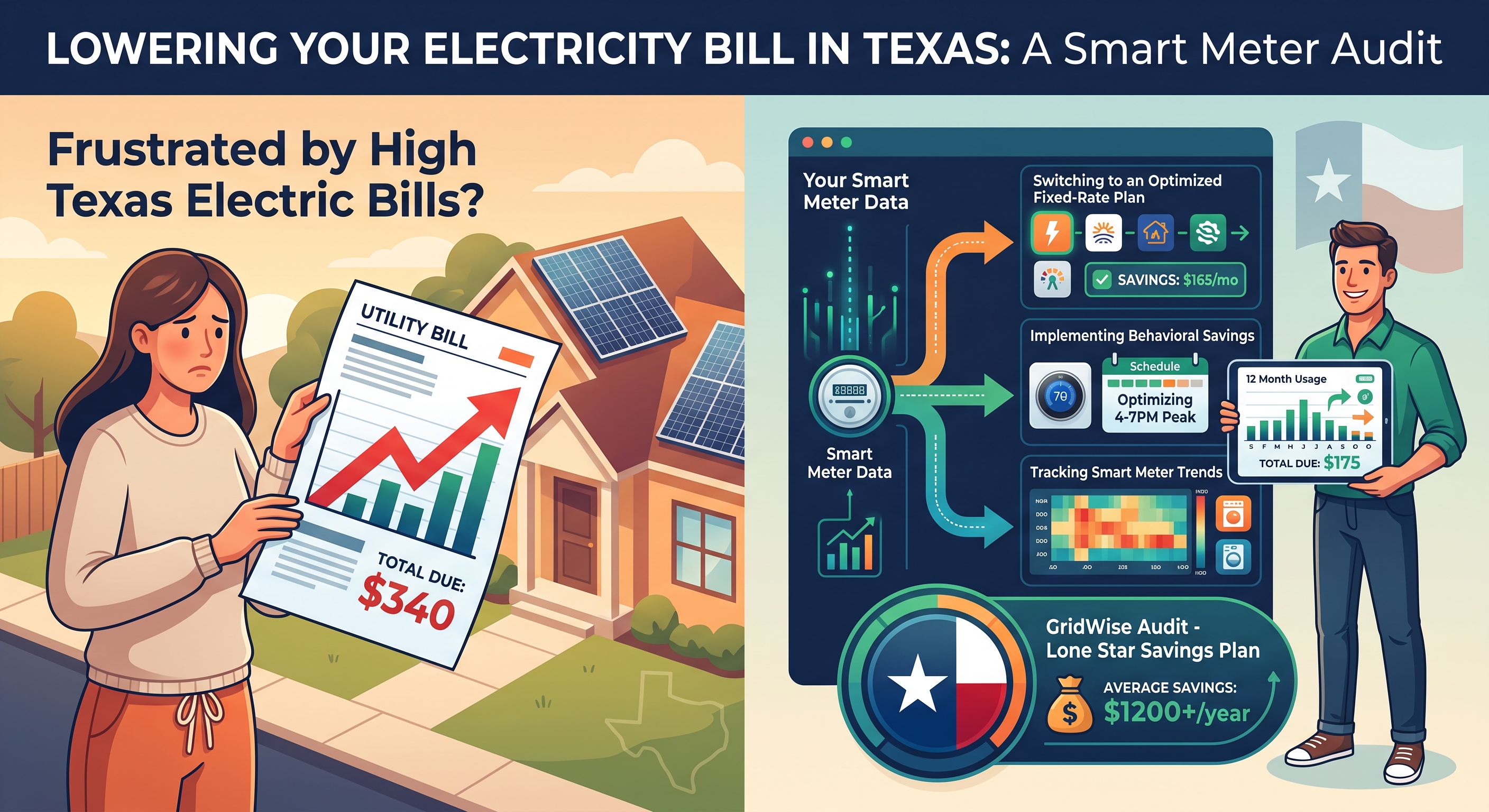
How to Download Smart Meter Texas Data (Step-by-Step)
To download Texas usage data, create a residential Smart Meter Texas account with the ESIID and meter number from your bill, select a 12-month Energy Data range, and export the report as a CSV. The file contains interval consumption and, for solar homes, surplus-generation records that can be matched to plans and buyback offers using real seasonal usage.
Every Texas homeowner in a deregulated area has access to incredibly detailed electricity usage data - most people just don't know it exists. Your smart meter records how much electricity you use in 15-minute intervals, 24 hours a day. That data is the key to finding the cheapest plan for your actual usage pattern. An energy monitor can also help you review usage between downloads.
Here's how to access it - and how WattTrim puts it to work for you.
What Is Smart Meter Texas?
Smart Meter Texas (SMT) is a state-run website that stores your electricity usage data. It's managed by the transmission and distribution utilities (TDUs) - Centerpoint, Oncor, AEP, and TNMP - not your retail electric provider.
Every meter in a deregulated area automatically uploads readings. The data is available through SMT's secure portal and API.
Step 1: Create Your Account
Go to smartmetertexas.com and click "Sign Up" in the top-right of the login box.

You'll need:
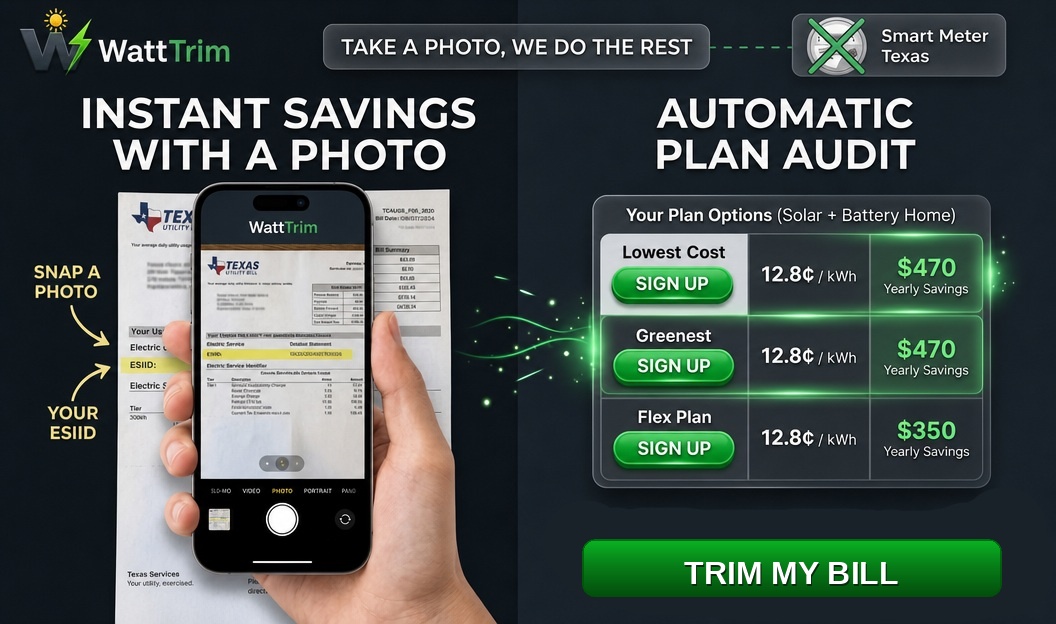
- Your ESIID (Electric Service Identifier) - a 17-digit number found on your electricity bill
- Your meter number - also on your bill or on the physical meter
- A valid email address

The registration process takes about 5 minutes. You'll get a confirmation email to verify your account.
Step 2: Log In and Export Your Data
Once logged in, you'll land on your Dashboard. This is where you can view and export your usage data.

Here's what to do:
- Set the Report Type to "Energy Data"
- Set the Start date to 12 months ago - a full year gives the most comprehensive picture
- Set the End date to today
- Click "Export My Report" - the CSV file downloads instantly
Step 3: What's in the File?
Your export contains a row for every 15-minute interval:
| Column | What It Means |
|---|---|
| DATE | The calendar date |
| USAGE_START_TIME | Start of the 30-min window |
| USAGE_KWH | Electricity consumed in that window |
| CONSUMPTION_SURPLUSGENERATION | "Consumption" for usage, "Surplus Generation" for solar export |
How WattTrim Uses Your Data
You don't need to download or handle any files yourself. When you start a WattTrim analysis, just snap a photo of your electricity bill. WattTrim reads your ESIID and meter number from the bill, then retrieves your usage data directly from Smart Meter Texas through a secure, state-regulated API.
Your personalized results are ready within minutes - comparing every available plan against your actual usage pattern to find the cheapest option.
Why 12 Months Matters
Texas electricity usage is wildly seasonal. Your August AC bill might be 3x your March bill. Plans that look cheap based on one month's usage might be expensive across a full year.
A 12-month analysis captures your summer peaks, winter lows, and everything in between - so the results match your real-world usage pattern, not just a snapshot.
Tips
- Can't find your ESIID? Check the top of any electricity bill, or call your current provider - they'll give it to you
- New to your home? You can still register - the meter data follows the address, not the account holder
- Solar customers: Your data includes both import and export rows, so WattTrim can calculate your net usage and find the best buyback plan
WattTrim's plan rankings are based solely on your actual usage data. Provider compensation never influences your results.
Ready to Find Your Best Plan?
Browsing plans is a great start - but every home uses electricity differently. WattTrim analyzes your actual Smart Meter usage data to find the cheapest plan for how you use power, not just a generic benchmark. Just snap a photo of your electricity bill, and your personalized results are ready within minutes.
Get a Personalized Electricity AnalysisPut This Knowledge to Work
Compare your current plan against 1,500+ options across all 6 Texas TDU service areas, including exclusive broker-negotiated rates not found on PowerToChoose.org. Always free.
Trim My Bill